
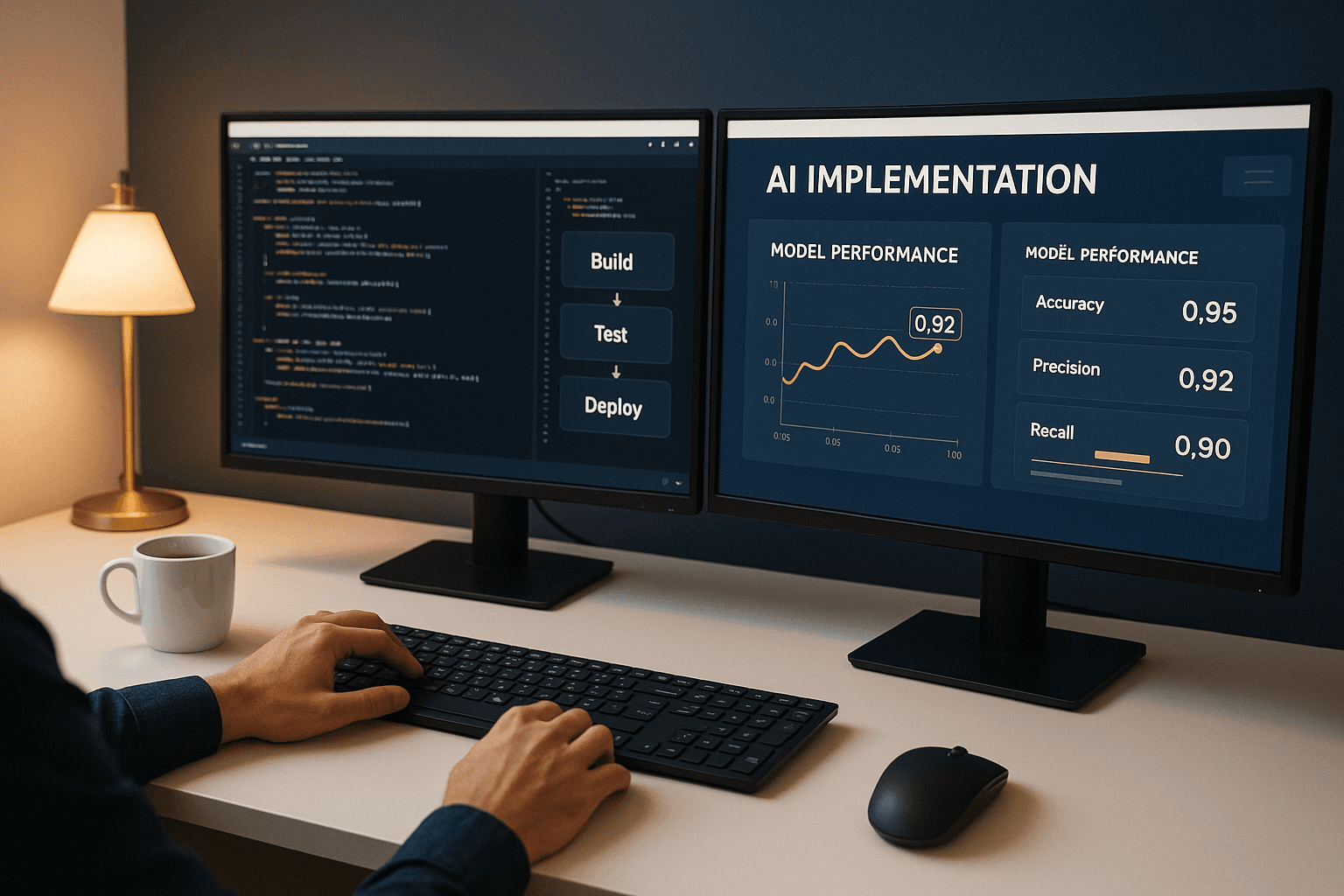
AI Coding Assistants: Transforming Developer Productivity in 2026
A practical guide to AI coding assistants and how they're revolutionising software development. Learn how tools like GitHub Copilot, Claude, and Cursor can boost your team's productivity.
AI Coding Assistants: Transforming Developer Productivity in 2026
The software development landscape has fundamentally changed. AI coding assistants have evolved from experimental tools to essential productivity multipliers that every development team should be evaluating. Whether you're a solo developer or managing an engineering team, understanding these tools is now critical to staying competitive.
The Rise of AI-Assisted Development
AI coding assistants have matured dramatically. What started as simple autocomplete has become intelligent pair programming, with assistants that understand context, suggest entire functions, and even debug code in real-time.
Key capabilities now include:
- Context-aware code completion across entire codebases
- Natural language to code translation
- Automated test generation
- Intelligent refactoring suggestions
- Real-time bug detection and fixes
- Documentation generation
The Major Players
GitHub Copilot
Microsoft's GitHub Copilot remains the market leader, deeply integrated into VS Code and other IDEs. Its strengths:
- Seamless IDE integration — works naturally in your existing workflow
- Enterprise features — code referencing, organisation-wide policies
- Multi-file awareness — understands project context, not just current file
- Copilot Chat — conversational interface for complex questions
Claude (Anthropic)
Claude excels at longer, more complex coding tasks:
- Extended context windows — can process entire codebases
- Superior reasoning — better at architecture decisions and complex logic
- Safer outputs — designed with responsible AI principles
- Claude Code — dedicated CLI for terminal-based development
Cursor
A purpose-built AI IDE that's gaining rapid adoption:
- AI-native design — built from ground up for AI assistance
- Multi-model support — use different models for different tasks
- Composer mode — AI writes across multiple files simultaneously
- Predictive editing — anticipates your next changes
Other Notable Tools
- Amazon CodeWhisperer — strong AWS integration
- Tabnine — privacy-focused, runs locally
- Replit Ghostwriter — excellent for rapid prototyping
- Codeium — free tier with solid capabilities
Measuring Productivity Gains
The productivity impact is substantial and measurable:
| Metric | Typical Improvement |
|---|---|
| Code writing speed | 35-55% faster |
| Bug introduction rate | 20-30% reduction |
| Time to first working prototype | 40-60% faster |
| Documentation coverage | 2-3x increase |
| Onboarding time for new codebases | 50% reduction |
Real-world example: A mid-sized development team of 8 engineers reported saving approximately 15 hours per week collectively after adopting AI coding assistants — equivalent to nearly two additional developers.
Implementation Strategy
Phase 1: Pilot (Weeks 1-2)
- Select 2-3 early adopters — choose developers open to new tools
- Start with one assistant — GitHub Copilot is the lowest friction choice
- Define success metrics — lines of code, commit frequency, bug rates
- Track usage patterns — what works, what doesn't
Phase 2: Evaluate (Weeks 3-4)
- Gather feedback — qualitative insights from pilot users
- Compare metrics — before/after productivity measurements
- Identify blockers — security concerns, workflow friction
- Test alternatives — try Cursor or Claude Code with power users
Phase 3: Roll Out (Weeks 5-8)
- Develop guidelines — when to use AI, review requirements
- Training sessions — effective prompting, knowing limitations
- Security review — ensure compliance with data policies
- Monitor adoption — usage rates, satisfaction surveys
Best Practices for Teams
DO:
- Review AI-generated code — treat it like a junior developer's PR
- Use AI for boilerplate — repetitive patterns, CRUD operations
- Leverage for tests — AI excels at generating test cases
- Document with AI — generate JSDoc, docstrings, READMEs
- Refactor incrementally — use AI suggestions for improvements
DON'T:
- Blindly accept suggestions — always understand what's generated
- Share sensitive data — be aware of what context you're providing
- Rely on AI for security — critical security code needs human review
- Skip code review — AI code still needs peer review
- Forget licensing — understand your tool's code attribution policies
Security Considerations
When adopting AI coding assistants, address these concerns:
- Data residency — where does your code go? Can you use enterprise tiers with data isolation?
- Intellectual property — understand training data and output licensing
- Secrets exposure — never include API keys or credentials in prompts
- Compliance — does your industry have specific AI usage requirements?
- Audit trails — can you track what code was AI-generated?
Recommendation: For sensitive projects, consider tools like Tabnine that can run entirely on-premises, or enterprise tiers with SOC 2 compliance.
Cost-Benefit Analysis
| Tool | Monthly Cost (per user) | Best For |
|---|---|---|
| GitHub Copilot | £16-30 | Teams already on GitHub |
| Cursor Pro | £16 | Developers wanting AI-native IDE |
| Claude Pro | £16 | Complex reasoning, long context |
| Tabnine Enterprise | £30+ | Privacy-sensitive organisations |
| Codeium | Free-£10 | Cost-conscious teams |
ROI calculation: If a developer costs £80,000/year and AI tools provide a 30% productivity boost, that's £24,000 in value for approximately £200-400/year in tool costs — a 60x return.
The Future of AI-Assisted Development
We're moving toward:
- Agentic coding — AI that can plan and execute multi-step development tasks autonomously
- Specialised models — purpose-trained models for specific languages and frameworks
- Tighter integration — AI embedded into every stage of the development lifecycle
- Collaborative AI — multiple AI agents working together on complex projects
- Self-improving systems — AI that learns from your codebase and preferences
Getting Started Today
For individuals:
- Install GitHub Copilot or Cursor
- Spend a week using it on real work
- Learn effective prompting techniques
- Track your productivity honestly
For teams:
- Start a small pilot programme
- Define clear evaluation criteria
- Address security concerns upfront
- Create team guidelines before broad rollout
Conclusion
AI coding assistants aren't replacing developers — they're amplifying them. The productivity gains are too significant to ignore, and the tools have matured to the point where adoption risk is minimal.
The question isn't whether to use AI coding assistants, but how quickly you can integrate them effectively into your development workflow.
Need help implementing AI coding assistants in your organisation? Contact Caversham Digital for expert guidance on tool selection, security considerations, and team adoption strategies.