
AI Shared Inbox Workflows: How South Wales SMEs Can Cut Admin Without Dropping the Ball in 2026
A practical guide for South Wales SMEs using AI to turn shared inboxes into structured workflows, reduce admin drag, and respond faster without losing control.
AI Shared Inbox Workflows: How South Wales SMEs Can Cut Admin Without Dropping the Ball in 2026
Most SMEs do not have an admin problem because they are badly run.
They have an admin problem because too much of the business still arrives through inboxes.
enquiries@, sales@, accounts@, service@, hello@ and half a dozen personal email accounts become the real operating system. Quotes start there. Supplier questions start there. Customer issues start there. Invoice chases start there. Job updates, booking changes, approval requests and internal handoffs all pile into the same channels.
At first, it feels manageable. Then the business gets busier.
That is when email stops being communication and starts becoming operational drag.
Messages get read but not acted on. Two people reply to the same customer. Nobody replies to the other one. A quote request sits in the inbox because the one person who knows what to do with it is on site, in a meeting, or off that day. Accounts queries live in one folder, job updates in another, and urgent issues rely on someone spotting the right subject line at the right time.
For a lot of UK and South Wales SMEs, this is one of the most practical places AI can help right now.
Not by replacing people. Not by auto-sending reckless replies. By turning shared inboxes into structured workflow.
That is the difference that matters.
The real problem with shared inboxes
Most businesses treat shared mailboxes like passive containers. Email comes in, staff scan it, and everyone hopes the right person picks up the right thing at the right time.
That is workable when volume is low and the team is tiny. It breaks down fast once the business has any scale.
The core issue is simple: email is a poor task manager.
It does not naturally answer the questions an owner actually cares about:
- What needs doing today?
- What is waiting for customer input?
- What has not been assigned yet?
- Which messages are urgent?
- Which ones affect revenue?
- Which ones should have been handled yesterday?
An inbox shows messages. A workflow shows responsibility, status and next action.
That distinction matters because the damage from inbox-led operations is usually hidden.
It shows up as:
- slower response times;
- missed follow-up;
- duplicated handling;
- team members interrupting each other for status;
- inconsistent customer experience;
- work that depends too heavily on one person remembering what is going on.
When an SME says "we need more admin support", what they often really mean is "our operational flow is trapped in email."
Where AI is useful and where it is not
AI is good at reading unstructured information, pulling out intent, classifying it, summarising it and routing it into the next sensible step.
That makes it well suited to inbox-heavy operations.
For example, AI can:
- identify whether an email is a new sales enquiry, support issue, supplier update, invoice query or internal approval request;
- extract key details such as customer name, location, deadline, order number, invoice reference or job type;
- suggest priority based on urgency and commercial impact;
- assign the message into the right queue or workflow stage;
- draft a response or acknowledgement for human review;
- flag missing information before the team wastes time going back and forth.
What it should not do, at least not without proper controls, is run unsupervised commercial judgement.
It should not invent pricing. It should not approve refunds. It should not commit to delivery dates it cannot verify. It should not quietly send messages on sensitive issues with no human review.
The right use of AI in an SME is not "let the robot run the department".
It is "remove the sorting, chasing and copying so the team can focus on actual decisions".
What this looks like in practice
Imagine a service business in South Wales with three shared inboxes:
enquiries@for new work;accounts@for invoice and payment questions;service@for existing customer issues and booking changes.
Without a proper system, each inbox becomes a pile of messages plus whatever folder structure somebody invented six months ago.
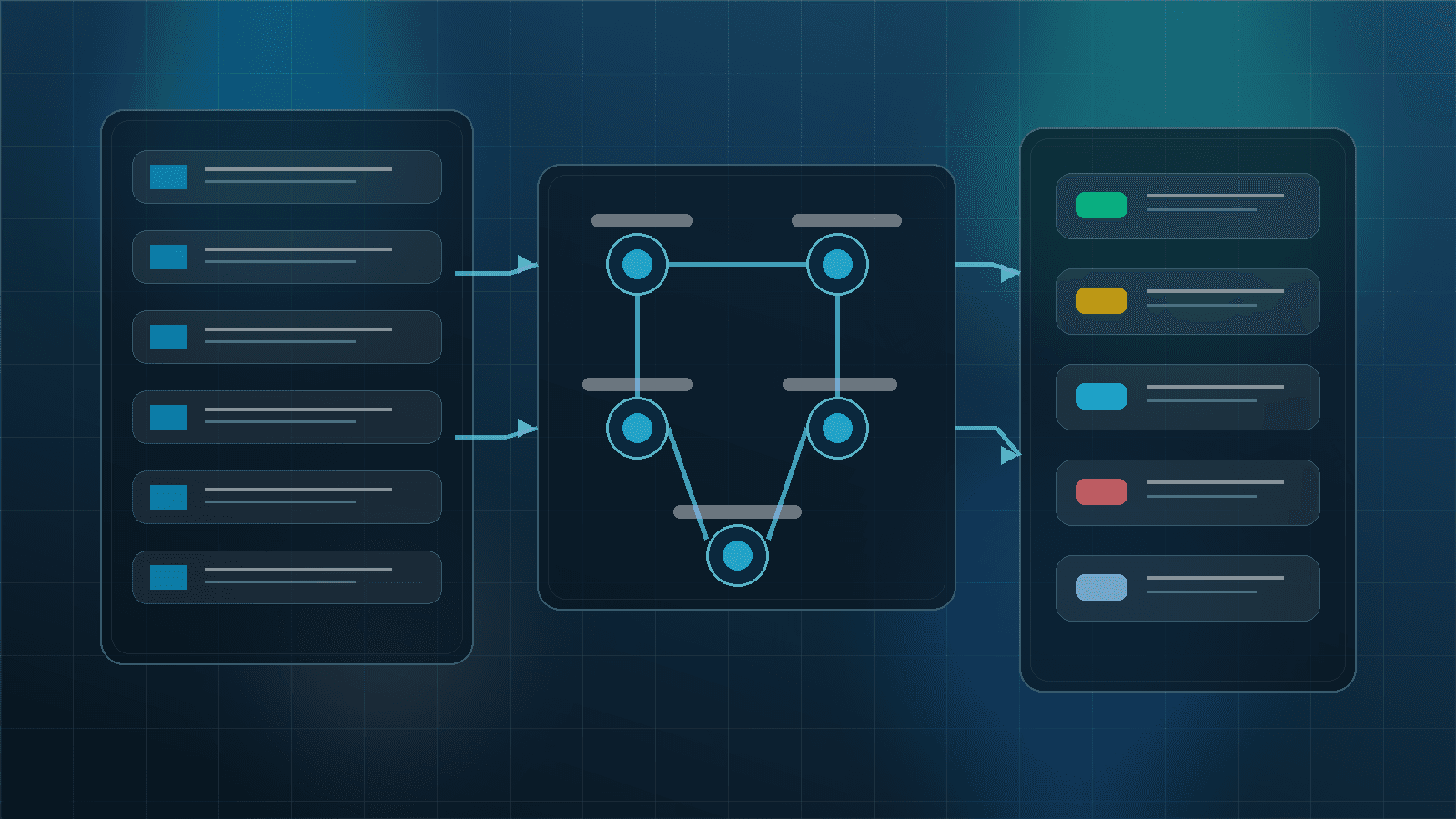
With a better AI-supported workflow, the process changes:
- A message arrives.
- AI classifies the message type and urgency.
- It extracts the useful fields into a structured record.
- The item is routed into the correct queue or system.
- A short internal summary is created so the next person does not need to read the whole thread from scratch.
- A draft acknowledgement or next-step reply is prepared.
- A human reviews where needed and the item moves forward.
- If nothing happens in time, the system flags it.
Now the team is not managing an inbox. They are managing a live queue of work.
That sounds like a small difference. Operationally, it is a big one.
The best departments to start with
Most SMEs should not try to automate every inbox at once.
A better approach is to start where the admin is repetitive, time-sensitive and easy to classify.
Usually that means one of these:
Sales enquiries
This is often the clearest commercial win.
AI can identify new leads, capture the relevant details, detect whether the enquiry is ready for quoting, and make sure nobody leaves warm opportunities sitting untouched in a shared mailbox.
Accounts queries
This is usually full of repetitive questions:
- "Can you send a copy invoice?"
- "Has this payment been received?"
- "Can you confirm the PO number?"
- "This remittance does not match the invoice total."
These are ideal for structured triage, summarisation and routing.
Customer service and job updates
Where businesses run bookings, projects, callouts or repeat service work, inboxes often become the unofficial ticketing system. AI can help separate urgent operational issues from routine updates and move each one into the right queue.
Why this matters for South Wales SMEs specifically
South Wales has plenty of businesses that are strong operationally but lean administratively.
That is not a criticism. It is just the reality of many owner-led and manager-led firms. Teams are busy. People wear multiple hats. The person who handles customer communication may also handle scheduling, paperwork, supplier coordination and half the internal follow-up.
In that environment, small bits of admin drag compound quickly.
If every incoming message needs a human to:
- read it fully;
- work out what it is about;
- decide who owns it;
- copy details into another system;
- draft a reply;
- remember to chase it later;
then the business is paying for the same task several times over.
That is where AI-supported inbox workflows make commercial sense. They do not just save minutes. They reduce friction at the exact point where work enters the business.
The mistake to avoid
The most common mistake is automating the inbox before defining the workflow.
If your team does not agree what counts as urgent, who owns which message types, what data needs capturing, or when a human approval is required, then AI will only help you process confusion faster.
The process needs enough structure first.
That does not mean a giant transformation project. It means answering basic operational questions clearly:
- Which inboxes actually matter?
- What are the common message types?
- What actions should follow each type?
- What should be acknowledged immediately?
- What needs human approval?
- What system should each item end up in?
Once those rules exist, AI becomes useful. Before that, it becomes noise.
A sensible implementation plan
For most SMEs, this is how I would approach it.
1. Pick one inbox, not five
Choose the mailbox that creates the most admin pain or the biggest commercial leak. Usually that is enquiries@, sales@ or service@.
2. Review a few weeks of real messages
Do not design from theory. Look at what actually arrives. Group messages into patterns. You will usually find that a big share of inbox traffic is more repetitive than the team realised.
3. Define the routing logic
Work out:
- what types of messages exist;
- what fields need capturing;
- what counts as urgent;
- who owns each type;
- what response standard you want.
4. Connect the inbox to the workflow layer
This might mean a CRM, a ticketing queue, a job management system, an accounts workflow, or a custom internal dashboard. The important thing is that the message becomes trackable work, not just another email.
5. Keep a human review gate where risk exists
Anything involving money, delivery commitments, complaints, exceptions or sensitive customer issues should have a review step.
6. Measure operational outcomes
Do not judge success by how impressive the AI feels. Judge it by:
- response times;
- assignment speed;
- messages left unowned;
- follow-up completion;
- duplicated replies;
- admin time per item.
If those improve, the system is working.
What good looks like
The end goal is not a magical inbox.
It is a business where incoming work is visible, routed, accountable and easier to act on.
That means:
- new enquiries are acknowledged quickly;
- customer issues do not sit unseen;
- accounts messages stop living in one person’s head;
- management can see where items are stuck;
- staff spend less time sorting and more time resolving.
That is a much better operational outcome than "we used AI on our emails".
Final thought
There is a lot of noise around AI, but shared inboxes are one of those areas where the practical value is easy to understand.
If your team is still using email as a catch-all for tasks, triage, follow-up and internal coordination, there is a strong chance the real problem is not headcount. It is that the business has no clean layer between incoming messages and the work that should happen next.
That is fixable.
For South Wales SMEs, this is often one of the cleaner AI wins because it sits right at the intersection of admin reduction, customer responsiveness and operational control. No hype required. Just better flow.
If your inboxes are driving the day instead of supporting it, that is usually the place to start.