
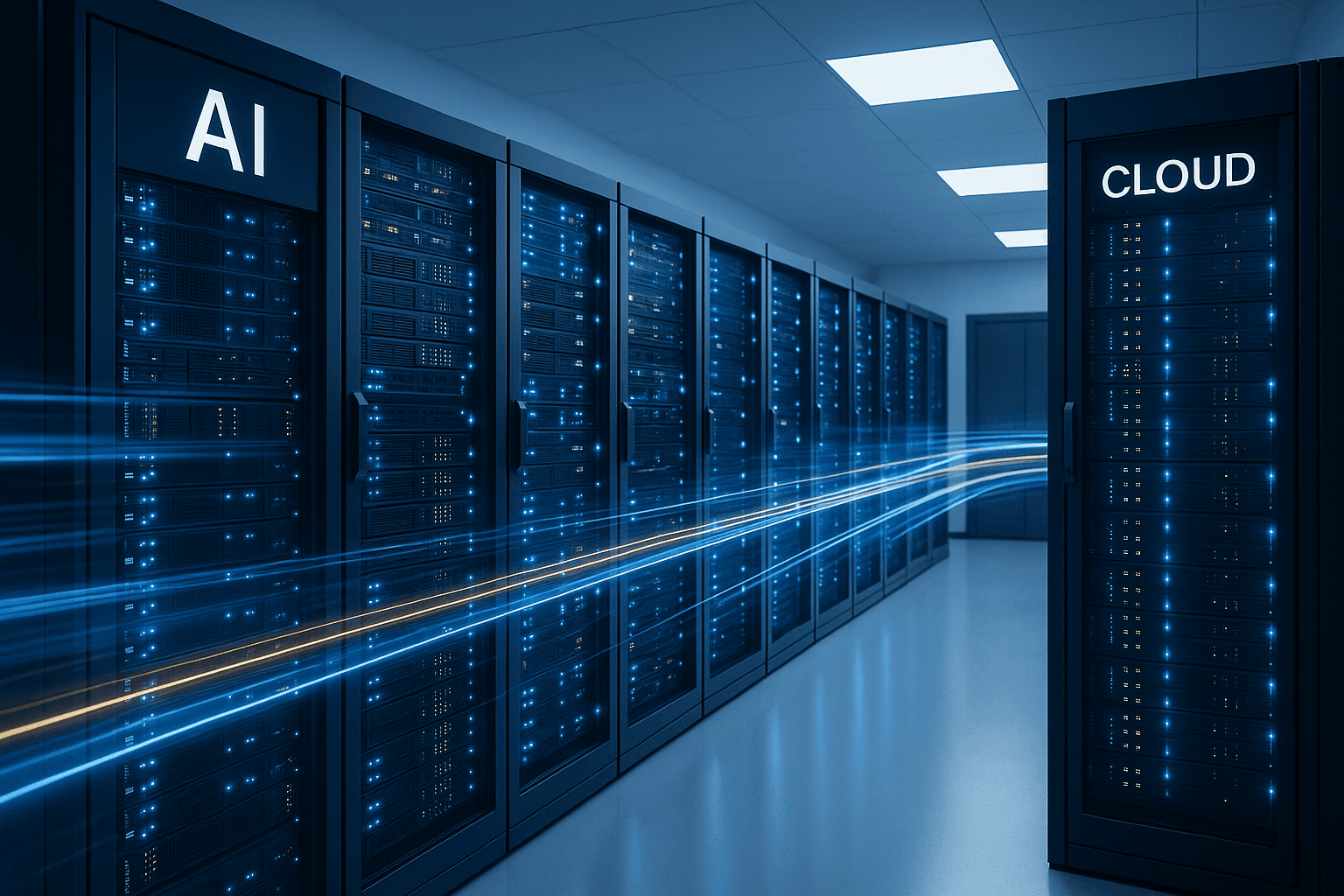
Real-Time AI: Event-Driven Automation That Responds in Seconds
How event-driven AI architectures enable businesses to react to changes in real time — from stock alerts to customer behaviour shifts — with practical implementation patterns.
Real-Time AI: Event-Driven Automation That Responds in Seconds
Most business AI still runs in batch mode. You upload a spreadsheet, wait for analysis, review a report the next morning. That was acceptable in 2024. In 2026, the businesses pulling ahead are the ones where AI reacts to events as they happen — not hours later.
Event-driven AI is the architecture that makes this possible. Instead of polling databases or waiting for human triggers, your AI systems listen for events and respond immediately. A customer abandons their cart? AI sends a personalised recovery message within 60 seconds. A supplier shipment is delayed? AI automatically adjusts production schedules and notifies affected customers before anyone picks up the phone.
Why Batch AI Falls Short
Traditional AI workflows follow a predictable pattern:
- Collect data over time
- Run analysis on a schedule (daily, weekly)
- Generate reports or recommendations
- Human reviews and acts
The problem? Business doesn't wait for your batch schedule. By the time you've identified a trend, your competitor has already responded to it. By the time a report flags a customer churn risk, the customer has already left.
Batch processing made sense when AI was expensive and slow. With today's sub-second inference times and cost-efficient models, there's no reason to delay.
Event-Driven Architecture for AI
An event-driven AI system has three core components:
1. Event Sources
Everything that generates signals your business cares about:
- Customer actions: Page views, cart changes, support tickets, form submissions
- Operational events: Inventory changes, order status updates, delivery tracking
- External triggers: Competitor price changes, market data, weather, social mentions
- Internal systems: CRM updates, ERP transactions, email opens, calendar changes
2. Event Router (The Nervous System)
A message broker or event bus that receives all events and routes them to the right AI handlers. Popular options include:
- Webhooks for simple point-to-point integrations
- Message queues (Redis, RabbitMQ) for reliable delivery
- Event streaming (Kafka, Redpanda) for high-volume, ordered processing
- Workflow engines (n8n, Temporal) for complex multi-step orchestration
3. AI Handlers (The Brain)
Specialised AI agents that process specific event types:
- A pricing agent that adjusts prices when competitor data changes
- A customer success agent that intervenes when behaviour signals churn
- A operations agent that rebalances resources when demand spikes
Practical Patterns
Pattern 1: Customer Behaviour Response
Event: Customer views pricing page 3 times in 24 hours
→ AI evaluates: Is this a high-value prospect? What's their company size?
→ Action: Queue personalised outreach email, notify sales rep, update CRM score
→ Timing: Within 2 minutes of the third visit
Without real-time AI, this opportunity sits in a weekly report. With it, sales can call while the prospect is still warm.
Pattern 2: Supply Chain Disruption
Event: Supplier API returns "delayed" status for incoming shipment
→ AI evaluates: What's affected? Alternative suppliers? Customer impact?
→ Action: Source alternatives, adjust delivery estimates, proactively notify customers
→ Timing: Within 5 minutes of status change
The difference between "sorry, we're investigating the delay" and "we've already arranged an alternative and your delivery date hasn't changed" is entirely about speed.
Pattern 3: Financial Alert System
Event: Invoice overdue by 7 days
→ AI evaluates: Customer history, total exposure, relationship value
→ Action: Tailored follow-up (gentle reminder vs. escalation), update risk score
→ Timing: Exact day trigger with context-appropriate response
Implementation: Start Simple
You don't need Kafka to start. Here's a pragmatic path:
Week 1-2: Identify Your Highest-Value Events
Map your business processes and identify the moments where speed matters most. Common winners:
- Lead scoring and routing (minutes matter)
- Inventory alerts (stockouts are expensive)
- Customer support triage (first response time drives satisfaction)
Week 3-4: Set Up Webhook-Based Triggers
Most modern SaaS tools support webhooks. Connect your CRM, e-commerce platform, or helpdesk to a workflow tool like n8n or Make. Add AI processing at the decision points.
Month 2: Add Intelligence
Replace simple if/then rules with AI evaluation. Instead of "if cart > £500, send email", let an AI agent consider the customer's history, current promotions, and optimal timing.
Month 3: Scale to Event Streaming
Once you've proven value with webhooks, invest in proper event infrastructure for higher volumes and reliability.
The Latency Spectrum
Not everything needs millisecond response times. Think about AI latency in tiers:
| Response Tier | Latency | Use Case |
|---|---|---|
| Instant | < 1 second | Chatbot responses, real-time pricing |
| Near-real-time | 1-60 seconds | Cart abandonment, fraud detection |
| Responsive | 1-15 minutes | Lead routing, inventory alerts |
| Timely | 1-4 hours | Digest emails, trend summaries |
| Scheduled | Daily/weekly | Reports, forecasts, bulk analysis |
The goal isn't to make everything instant — it's to match your AI response time to what the business situation demands.
Cost Considerations
Real-time AI doesn't have to be expensive:
- Small language models (SLMs) for classification and routing tasks cost fractions of a penny per inference
- Cached prompts for common event patterns reduce token costs by 80%+
- Tiered processing: Use cheap, fast models for initial triage and expensive models only when needed
- Smart batching: Group related events that arrive close together instead of processing each individually
A typical mid-size e-commerce business might process 10,000 events/day through AI at a cost of £5-15/day — far less than a single missed sales opportunity.
Common Pitfalls
Over-engineering early: Start with webhooks and simple workflows. Kafka is overkill for 100 events/hour.
Alert fatigue: If your AI triggers actions for every minor event, humans will start ignoring them. Set meaningful thresholds.
No feedback loop: Real-time AI without measurement is just automated guessing. Track which responses actually improved outcomes.
Ignoring failure modes: What happens when your AI handler is down? Event queues provide durability, but you need fallback logic for critical paths.
The Competitive Advantage
Businesses that respond in minutes will consistently outperform those that respond in days. Event-driven AI isn't a nice-to-have — it's becoming the baseline expectation.
Your customers already experience real-time AI from Amazon, Netflix, and Uber. They'll increasingly expect the same responsiveness from every business they interact with. The question isn't whether to adopt event-driven AI, but how quickly you can make the transition.
Ready to make your business respond in real time? Let's talk about event-driven AI architecture for your specific use case.